GTA 6 controls for PS5 and Xbox: every button
On the default scheme you run with L3 / LS, jump with Cross / A, aim with L2 / LT and shoot with R2 / RT; the D-pad opens the phone (up), the radio (hold left) and quick navigation (hold down). Three schemes are offered (Default, Classic, Left-Handed) under Settings > Control Scheme.
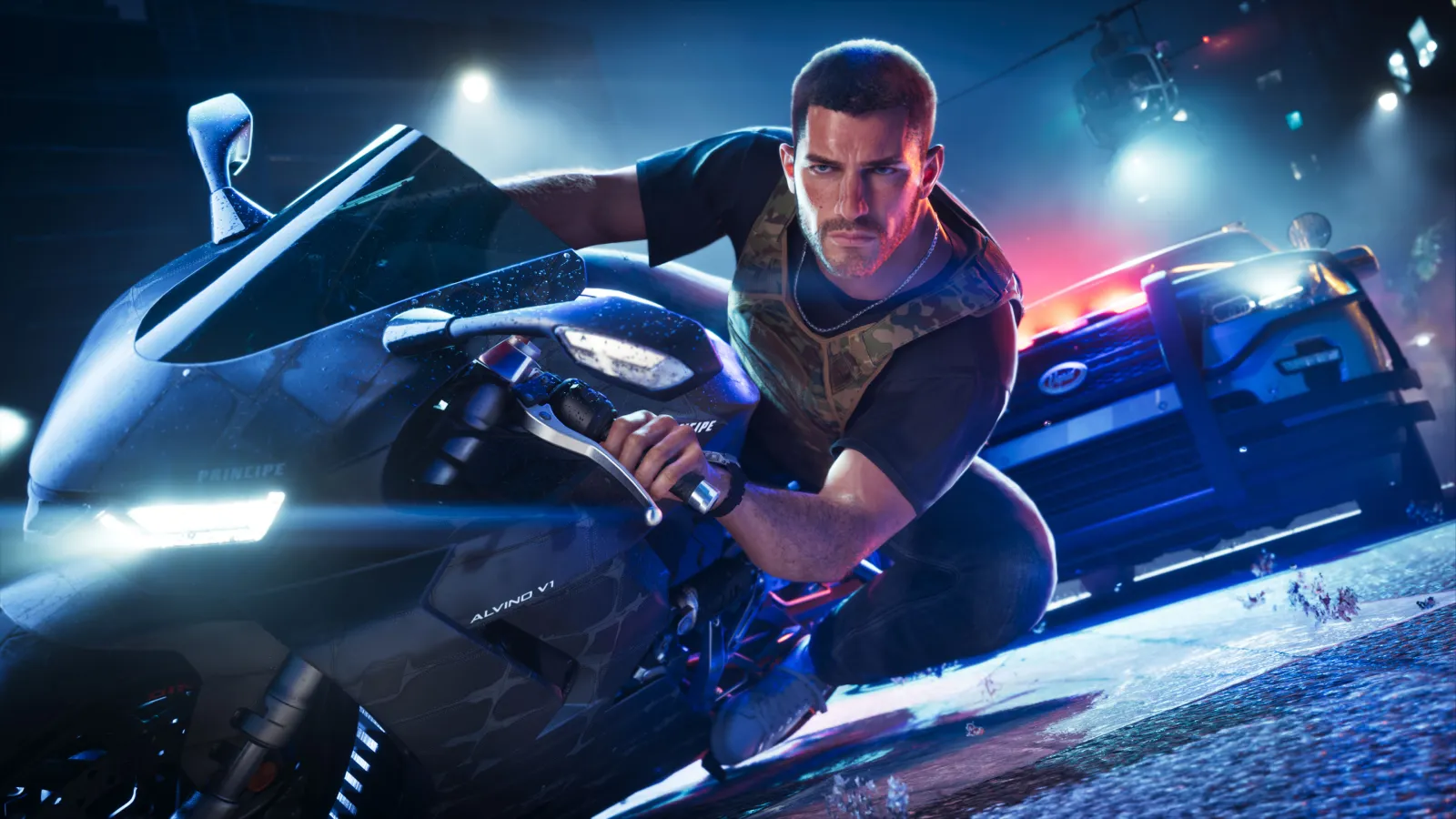
These are the buttons of the default scheme. "Hold" means keep the button pressed. When our sources don't list an Xbox button yet, the cell says so.
General
| Action | PS5 | Xbox Series |
|---|---|---|
| Pause | Options button | Menu button |
| Map | Touchpad | View button |
| Phone | D-pad up | D-pad up |
| WAiNK app | Hold D-pad up | Hold D-pad up |
| Objective and HUD | D-pad down | Not confirmed yet |
| Quick navigation | Hold D-pad down | Hold D-pad down |
| Partner menu | Hold D-pad right | Hold D-pad right |
| Radio menu | Hold D-pad left | Hold D-pad left |
On foot
| Action | PS5 | Xbox Series |
|---|---|---|
| Move | Left stick | Left stick (LS) |
| Run | L3 (press the left stick) | Click Left stick (LS) |
| Jump, climb | Cross button | A button |
| Crouch (hold: rest) | Circle button | B button |
| Interact | Triangle button | Y button |
| Melee attack | Square button | X button |
| Take cover | R1 button | RB (right bumper) |
| Holster weapon | L1 button | LB (left bumper) |
| Weapon loadout | Hold L1 button | Hold LB (left bumper) |
Weapons
| Action | PS5 | Xbox Series |
|---|---|---|
| Aim | Hold L2 trigger | Hold LT (left trigger) |
| Shoot | R2 trigger | RT (right trigger) |
| Quick swap | Triangle button | Y button |
| Quick throw | Hold R1 button | Hold RB (right bumper) |
| Zoom (PS5: also the throw path) | R3 (press the right stick) | Click Right stick (RS) |
| Detonate | D-pad right | Not confirmed yet |
Melee
| Action | PS5 | Xbox Series |
|---|---|---|
| Lock on | Hold L2 trigger | Hold LT (left trigger) |
| Punch, kick | Square button | X button |
| Grapple | R2 trigger | RT (right trigger) |
| Block, dodge | Cross button | A button |
Cars, bikes and boats
| Action | PS5 | Xbox Series |
|---|---|---|
| Accelerate | R2 trigger | RT (right trigger) |
| Brake, reverse | L2 trigger | LT (left trigger) |
| Handbrake | Cross button | A button |
| Horn, nitrous | L3 (press the left stick) | Click Left stick (LS) |
| Get out | Triangle button | Y button |
| Duck | Hold Circle button | Hold B button |
| Shoot | R1 button | RB (right bumper) |
| Vehicle menu | Hold D-pad left | Not confirmed yet |
Aircraft
| Action | PS5 | Xbox Series |
|---|---|---|
| Pitch and roll | Left stick | Not confirmed yet |
| Throttle up | R2 trigger | RT (right trigger) |
| Throttle down | L2 trigger | LT (left trigger) |
| Yaw left / right | Square button / Circle button | X button / B button |
| Landing gear | L3 (press the left stick) | Click Left stick (LS) |
| Get out | Triangle button | Y button |
| Shoot | R1 button | Not confirmed yet |
Swimming
| Action | PS5 | Xbox Series |
|---|---|---|
| Swim faster | L3 (press the left stick) | Click Left stick (LS) |
| Dive | R1 button | RB (right bumper) |
| Surface | Cross button | A button |
Parachute
| Action | PS5 | Xbox Series |
|---|---|---|
| Open | Cross button | A button |
| Brake | L2 trigger / R2 trigger | LT (left trigger) / RT (right trigger) |
| Detach | Triangle button | Y button |
Controller settings
- Control scheme: under Settings > Control Scheme, the game offers three layouts: Default, Classic and Left-Handed. The tables above are for Default.
- Classic: which buttons it moves isn't confirmed yet.
- Remapping: whether you can assign any button freely isn't confirmed yet.
- Cinematic camera and auto-drive: built in, no setting needed. See the steps below.
Two other points differ between outlets: headlights (a tap on Circle button / B button, or the vehicle menu) and the scope zoom (a tap or a hold). We will update this page once they are settled.
Cinematic camera and auto-drive
- Set a waypoint on the map.
- In a vehicle, hold D-pad down and press Options button on PS5, or hold D-pad down and press Menu button on Xbox, to switch to the cinematic camera.
- Hold Circle button / B button to turn on auto-drive: the vehicle drives itself to the waypoint.
Handy for long trips or to enjoy the view. For the first-person look, see first-person mode; for cheat codes, see cheat codes.
Questions
How do you run in GTA 6?
Press the left stick: L3 on PS5, a click of the left stick (LS) on Xbox.
Can you change the controls in GTA 6?
You can pick one of three schemes, Default, Classic or Left-Handed, under Settings > Control Scheme. What Classic changes exactly, and whether you can remap every button freely, isn't confirmed yet.
How do you open the phone in GTA 6?
Press up on the D-pad, on PS5 and on Xbox. Holding up opens the WAiNK app.
How does auto-drive work in GTA 6?
Set a waypoint on the map, get in a vehicle, hold down on the D-pad and press Options (PS5) or Menu (Xbox) for the cinematic camera, then hold Circle or B to let the vehicle drive itself.